
QuickBooks Reconciliations
The QuickBooks Reconciliation process
QuickBooks is a popular accounting software used by many businesses to manage their financial transactions and records. QuickBooks Reconciliation is the process of comparing and reconciling the transactions recorded in QuickBooks with bank or credit card statements.
The QuickBooks Reconciliation process typically involves the following steps:
Verify the opening balance: The opening balance in QuickBooks should match the ending balance from the previous bank or credit card statement.
Enter transactions: Enter any new transactions into QuickBooks that have not yet been recorded.
Reconcile transactions: Match the transactions in QuickBooks to those on the bank or credit card statement and mark them as reconciled. This helps to identify any discrepancies or errors in either QuickBooks or the bank statement.
Review discrepancies: If there are discrepancies between the QuickBooks transactions and the bank statement, investigate and resolve them. This may involve double-checking transactions or contacting the bank to resolve any errors.
Finalize the reconciliation: Once all the transactions have been reconciled and any discrepancies have been resolved, finalize the reconciliation in QuickBooks.
By performing regular reconciliations in QuickBooks, businesses can ensure that their financial records are accurate and up-to-date, and that they are aware of any potential discrepancies or errors in a timely manner.
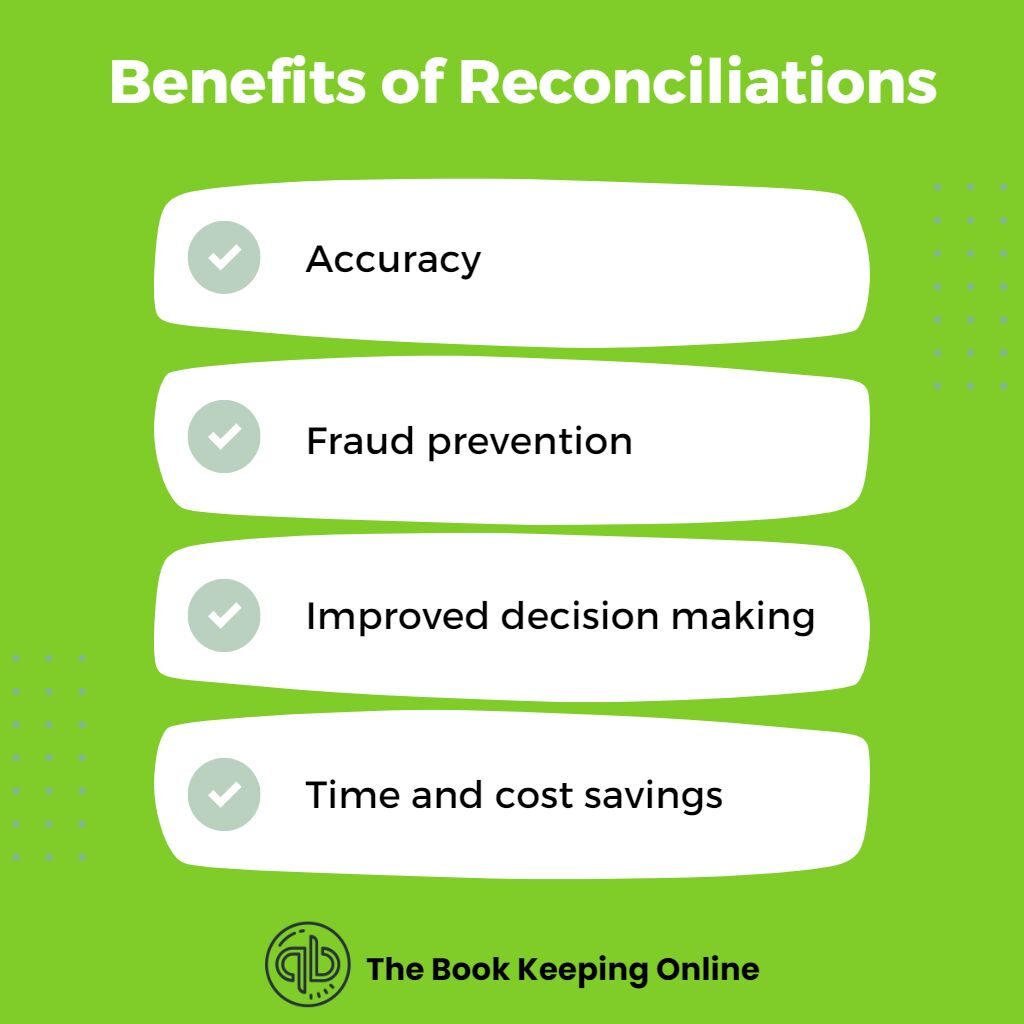
Benefits of Reconciliations
Reconciliations have several benefits for businesses and organizations. Some of the key benefits include:
Reconciliations ensure that the financial records are accurate and complete, with all transactions accounted for. This helps to avoid errors and discrepancies that can lead to financial loss or misrepresentation of the financial position.
Accurate financial records enable organizations to make better decisions about resource allocation, investments, and other financial matters.
Reconciliations help to identify irregularities or discrepancies that could be the result of fraudulent activity. By identifying these issues early on, organizations can take steps to prevent further fraudulent activity and address the situation as necessary.
Many industries and regulatory bodies require businesses to perform regular reconciliations as a part of their compliance obligations. By conducting regular reconciliations, businesses can meet these obligations and avoid penalties or legal consequences.
Reconciliations can help to streamline financial processes and identify areas where improvements can be made. This can result in time and cost savings for the organization, as well as improved efficiency
Overall, reconciliations are an important part of maintaining accurate financial records and ensuring the financial health and compliance of an organization.
QuickBooks Monthly Reconciliation Reports
Some of the QuickBooks reports that can be used for monthly reconciliation include:
- Bank Reconciliation Report: This report summarizes the bank transactions recorded in QuickBooks and compares them to the transactions on the bank statement. It highlights any discrepancies or errors that need to be reconciled.
- Balance Sheet Report: This report provides a snapshot of the company’s financial position, including assets, liabilities, and equity. It can be used to identify any discrepancies or errors that affect the accuracy of the balance sheet.
- Profit and Loss Report: This report provides a summary of the company’s revenues and expenses over a specified period. It can be used to identify any discrepancies or errors that affect the accuracy of the profit and loss statement.
- Transaction Detail Report: This report provides a detailed list of all the transactions recorded in QuickBooks. It can be used to verify the accuracy of individual transactions and to identify any discrepancies or errors that need to be reconciled.
- By using these reports, businesses can generate a monthly reconciliation report that provides a comprehensive overview of the financial transactions recorded in QuickBooks and any discrepancies or errors that need to be reconciled. This helps to ensure the accuracy and integrity of the financial records and to comply with regulatory requirements.
Types of QuickBooks Monthly Reconciliation Reports
This report summarizes bank transactions recorded in QuickBooks and compares them to the transactions on the bank statement. It is used to identify discrepancies or errors that need to be reconciled.
This report summarizes credit card transactions recorded in QuickBooks and compares them to the transactions on the credit card statement. It is used to identify discrepancies or errors that need to be reconciled.
This report summarizes the amounts owed to vendors or suppliers and compares them to the outstanding balances in QuickBooks. It is used to identify discrepancies or errors that need to be reconciled.
This report summarizes the amounts owed to the business by customers or clients and compares them to the outstanding balances in QuickBooks. It is used to identify discrepancies or errors that need to be reconciled.
This report provides a summary of all transactions recorded in QuickBooks for a specified period and compares them to the account balances in the general ledger. It is used to identify discrepancies or errors that need to be reconciled.
This report summarizes the inventory transactions recorded in QuickBooks and compares them to the actual inventory counts. It is used to identify discrepancies or errors that need to be reconciled.
By using these reports, businesses can reconcile their accounts on a monthly basis and ensure the accuracy and integrity of their financial records.
Bookkeeping Frequently Asked Questions (FAQ)
A: QuickBooks reconciliation is the process of comparing the transactions in your QuickBooks account with your bank or credit card statements to ensure that they match and are accurate.
A: Reconciliation is important to ensure that your financial records are accurate, and to identify any discrepancies or errors. It also helps you to track your expenses and manage your cash flow effectively.
A: It is recommended that you reconcile your QuickBooks account at least once a month, or more frequently if you have a high volume of transactions.
A: To reconcile your QuickBooks account, you will need your bank or credit card statement, as well as access to your QuickBooks account.
A: To reconcile your QuickBooks account, you will need to match the transactions in your QuickBooks account with the transactions on your bank or credit card statement. QuickBooks has a built-in reconciliation tool that can help you with this process.
A: If you identify a discrepancy between your QuickBooks account and your bank statement, you should investigate the issue and make any necessary corrections. This may involve updating your QuickBooks account or contacting your bank to resolve the issue.
A: Yes, QuickBooks allows you to reconcile multiple accounts, including bank accounts, credit card accounts, and loan accounts.
A: QuickBooks offers resources and support for users who need help with reconciliation. You can access the QuickBooks Help Center, watch video tutorials, or contact customer support for assistance.
A: Yes, you can reconcile transactions manually in most online bookkeeping software. This involves comparing the transactions in your software with the transactions on your bank statement and marking them as cleared or reconciled.
A: Online bookkeeping reconciliation helps you to maintain accurate financial records, reduce errors and discrepancies, identify fraudulent activity, and make informed financial decisions based on up-to-date information.
A: If you don’t reconcile your online bookkeeping account regularly, you may miss errors or discrepancies that could lead to inaccurate financial records. This could impact your ability to manage your cash flow effectively and make informed financial decisions.
A: Yes, you can reconcile transactions from previous months or years in most online bookkeeping software. This can be helpful if you need to review past transactions or if you identify an error or discrepancy that needs to be corrected.
A: Your online bookkeeping software should provide a reconciliation report that shows the transactions that have been reconciled and any discrepancies or errors that have been identified. Once all transactions have been reconciled, the balance in your software should match the balance on your bank statement.
A: Some online bookkeeping software allows you to automate the reconciliation process by syncing your bank and credit card accounts with your software. It can save time and reduce the risk of errors or discrepancies.
A: It is not necessary to hire a professional to help with online bookkeeping reconciliation, but it can be helpful if you have a high volume of transactions or if you are not comfortable reconciling your accounts yourself. A professional bookkeeper can ensure that your financial records are accurate and up-to-date.
A: To find previous reconciliation reports in QuickBooks Online, follow these steps:
Log in to your QuickBooks Online account.
Click on the “Accounting” tab in the left-hand menu.
Click on the “Reconcile” sub-tab.
Select the account you want to view reconciliation reports for.
Click on the “History by account” link in top right corner of page.
Choose the date range for the reconciliation reports you want to view.
Click on the “View report” button to generate the report.
You can also view previous reconciliation reports by clicking on the “Reports” tab in the left-hand menu and selecting “All Reports”. From there, you can search for and select the reconciliation report you want to view.